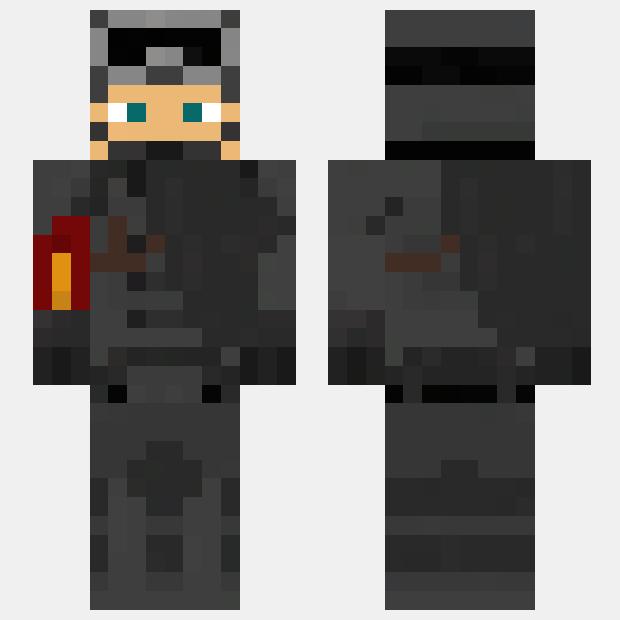
Military black clothes

Military black clothes

Get ready for battle with these military-inspired black clothes Minecraft skins. From sleek tactical gear to camouflaged uniforms, these skins will make you look like a true soldier on the battlefield. Blend into the shadows and strike fear into your enemies with these stylish and stealthy skins.


Upload by Minecraft Skinhub

Moderator

Uploading a Minecraft Skin

1. Download a Minecraft Skin
Find a skin you like from a trusted Minecraft skin website.
2. Access Minecraft Profile Settings
Log in to your Minecraft account on the Minecraft website. Once logged in, navigate to your Profile settings.
3. Upload the Skin
Look for the option to upload or change your skin. There should be a button or link prompting you to choose a file from your computer.
4. Select Your Skin File
Navigate to where you downloaded the skin file and select it.
5. Save Changes
After uploading the skin file, save your changes.
6. Launch Minecraft
Open Minecraft on your PC. You should now see your new skin applied to your character.