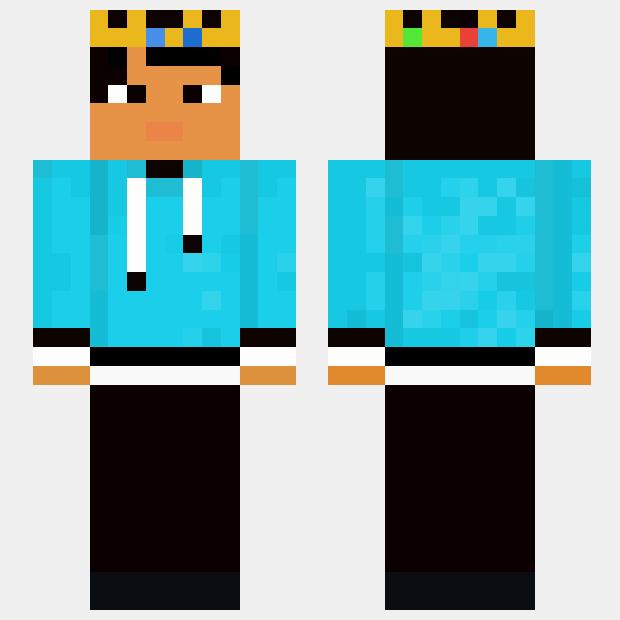
The king MarkBG

The king MarkBG

The King MarkBG skin for Minecraft features a regal and majestic appearance, with intricate golden armor, a crown, and a cape fit for a ruler. This skin exudes power and authority, making it perfect for players who want to command respect in their virtual kingdom.


Upload by Minecraft Skinhub

Moderator

Uploading a Minecraft Skin

1. Download a Minecraft Skin
Find a skin you like from a trusted Minecraft skin website.
2. Access Minecraft Profile Settings
Log in to your Minecraft account on the Minecraft website. Once logged in, navigate to your Profile settings.
3. Upload the Skin
Look for the option to upload or change your skin. There should be a button or link prompting you to choose a file from your computer.
4. Select Your Skin File
Navigate to where you downloaded the skin file and select it.
5. Save Changes
After uploading the skin file, save your changes.
6. Launch Minecraft
Open Minecraft on your PC. You should now see your new skin applied to your character.